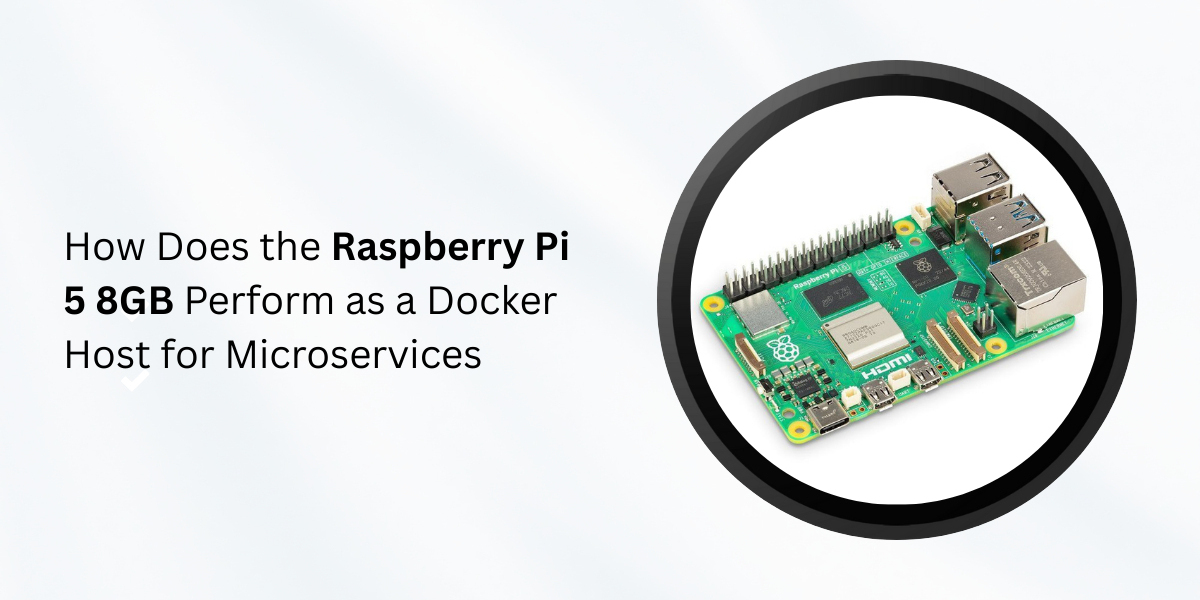
Microservices have become a standard way to build modern applications. Each service runs independently and communicates over the network. Docker helps package these services in isolated containers. This approach improves portability and consistency.
The Raspberry Pi 5 Model 8GB raises an important question. Can a small single-board computer host Docker-based microservices in a reliable way? This article evaluates that question using a technical and practical approach.
Understanding the Raspberry Pi 5 Hardware
The Raspberry Pi 5 uses a quad-core Arm Cortex-A76 processor. Each core runs at up to 2.4 GHz. This CPU is a major improvement over earlier Pi models. Instruction throughput increased by roughly 2× compared to Raspberry Pi 4.
The board includes 8 GB of LPDDR4X memory. Memory bandwidth reaches over 30 GB/s. This matters for container workloads that share memory across processes.
Key hardware specifications:
- CPU: Quad-core Cortex-A76, 2.4 GHz
- RAM: 8 GB LPDDR4X
- Network: 1 Gb Ethernet
- Storage: microSD, PCIe 2.0 via adapter
- USB: 2× USB 3.0, 2× USB 2.0
These components define the limits and strengths of Docker performance.
Docker and Microservices Basics
Docker uses Linux kernel features such as namespaces and c groups. These features isolate processes and control resource usage. Each container runs as a lightweight process, not a full virtual machine.
Microservices work best when each service
Microservices work best when each service has a small memory footprint, starts quickly, uses limited CPU resources, and communicates with other services through well-defined APIs. The Raspberry Pi 5 supports Docker natively on Linux, and most modern Linux distributions available for the Pi include Docker packages that are optimized for the Arm64 architecture.
CPU Performance in Containerized Workloads
CPU performance is critical for microservices. Each container competes for CPU time under load. The Cortex-A76 cores offer strong single-thread performance. Benchmarks show around 900 points single-core and 2,100 points multi-core in Geekbench-style tests. This places the Pi 5 above older entry-level x86 servers from a decade ago.
In real Docker usage:
- One lightweight API service may use 1–3% CPU under idle load
- Moderate traffic pushes usage to 10–20% per service
- CPU saturation occurs when many services peak together
The 4-core design limits parallelism. The system performs best when services scale horizontally across devices rather than vertically on one board.
Memory Behavior with 8GB RAM
Memory capacity defines how many containers can run at once.
8 GB RAM allows
With 8 GB of RAM, a system can run around 20–30 small containers when resource limits are carefully configured, along with several database-backed services and in-memory caches such as Redis. However, memory pressure can cause container slowdowns well before the system actually fails, so using Docker memory limits is important to prevent one service from consuming excessive resources and starving others.
Example memory usage:
- Nginx container: ~20 MB
- Node.js API: 80–150 MB
- PostgreSQL (small dataset): 300–500 MB
With 8 GB RAM, realistic stacks run comfortably if services remain efficient.
Storage Performance and Container IO
Storage speed affects container startup time and database performance.
1. microSD Storage
Most microSD cards used for storage provide sequential read speeds of around 40–90 MB/s, but their random write performance is often below 10 MB/s. This makes microSD storage a limiting factor for write-heavy containers, as activities such as logging, database writes, and frequent image pulls can slow down significantly under sustained load.
2. NVMe Storage via PCIe
The Raspberry Pi 5 supports PCIe 2.0 through an adapter, enabling the use of NVMe storage. NVMe SSDs offer read speeds above 800 MB/s, write speeds above 500 MB/s, and much lower latency compared to microSD cards. As a result, containers start faster, databases respond more quickly, and overall I/O wait time drops significantly, making NVMe storage a major improvement for microservices with substantial storage needs.
Network Performance for Microservices
Microservices rely heavily on networking, and the Raspberry Pi 5 includes true Gigabit Ethernet, achieving real-world throughput of around 940 Mbps under optimal conditions. Docker networking modes function as expected: bridge networks efficiently handle local container traffic, overlay networks enable communication across multi-Pi clusters, and reverse proxies route traffic with minimal latency. This ensures that internal service calls remain fast, while external API traffic performs well for small to medium workloads.
Container Density and Scheduling
Container density on the Raspberry Pi 5 depends largely on the size and resource demands of each service. With 8 GB of RAM, typical results show 10–15 active services running under moderate load and over 20 idle or low-traffic services. CPU resources usually become the first bottleneck as more containers are added. Docker Compose effectively manages service groups for this setup, while Kubernetes is technically possible but tends to be too heavy. Lightweight schedulers are generally a better fit for orchestrating containers on this platform.
Thermal Behavior Under Load
Sustained container workloads increase CPU temperature.
1. Without cooling
Without proper cooling, the Raspberry Pi 5’s CPU can reach temperatures of around 80 °C under sustained load. At this point, frequency throttling occurs to protect the processor, causing performance to drop by up to 15%.
2. With active cooling
With active cooling, the Raspberry Pi 5’s temperature remains below 65 °C, allowing clock speeds to stay stable and Docker workloads to run consistently. Effective cooling directly improves the reliability of microservices, especially during peak usage when sustained performance is critical.
Example Microservice Stack
A realistic microservice stack on a Raspberry Pi 5 might include a reverse proxy such as Nginx or Traefik, two API services built with Node.js or Go, a PostgreSQL database, a Redis cache, and a monitoring service. Under moderate load, this stack typically consumes 25–40% of the CPU, around 2.5 GB of RAM, and has disk I/O that is easily manageable when using NVMe storage. This configuration works well for internal tools, edge services, or small public APIs.
Reliability and Uptime
The Raspberry Pi 5 is capable of 24/7 operation, but overall reliability and uptime depend on factors such as power supply quality, storage reliability, and adequate cooling. Docker itself is stable, with most failures stemming from SD card wear or power interruptions. Using an SSD for storage and a high-quality power adapter significantly improves long-term uptime and system stability.
Security Considerations
Containers enhance isolation but do not replace essential security controls. Best practices for a Raspberry Pi 5 deployment include running containers as non-root users, configuring firewall rules, limiting exposed ports, and regularly updating container images. The Pi 5 supports standard Linux security tools, and applying these measures has minimal impact on performance.
Limits of the Platform
The Raspberry Pi 5 has clear platform limits, including only four CPU cores, lack of ECC memory, limited PCIe bandwidth, and potential ARM compatibility issues with some container images. High-traffic services or workloads requiring heavy computation can quickly exceed its capacity, making traditional servers a better choice for demanding applications.
Ideal Use Cases
The Raspberry Pi 5 8GB works best for:
- Edge microservices
- Internal company tools
- Home lab environments
- IoT backends
- Development and testing
Cost efficiency remains a strong advantage.
Conclusion
The Raspberry Pi 5 Model 8GB performs well as a Docker host for microservices when used correctly. CPU performance supports lightweight services. Memory capacity allows meaningful container density. NVMe storage greatly improves IO behavior.
This platform does not replace enterprise servers. It does offer a compact, low-power, and capable environment for modern containerized workloads.
From a technical perspective, Docker microservices on the Raspberry Pi 5 are practical, stable, and efficient within defined limits.